HR Employee Confirmation Flow
An HR Employee Confirmation Form is an internal HR document used to directly confirm an employee’s permanent employment after the successful completion of the probation period. In this process, the HR department independently reviews the employee’s probation timeline, attendance, conduct, and overall employment status without requiring any submission or approval from the employee or reporting manager. The form includes essential details such as employee name, employee ID, designation, department, date of joining, and confirmation effective date. HR uses the form to officially update the employee’s status from probationary to confirmed employment. It helps ensure smooth workforce administration and timely confirmation processing within the organization. The document also serves as an official employment record for future HR and payroll references. Once approved by HR, the confirmation becomes effective as per company policy.
Form Visible at HR Employee Submission tab.
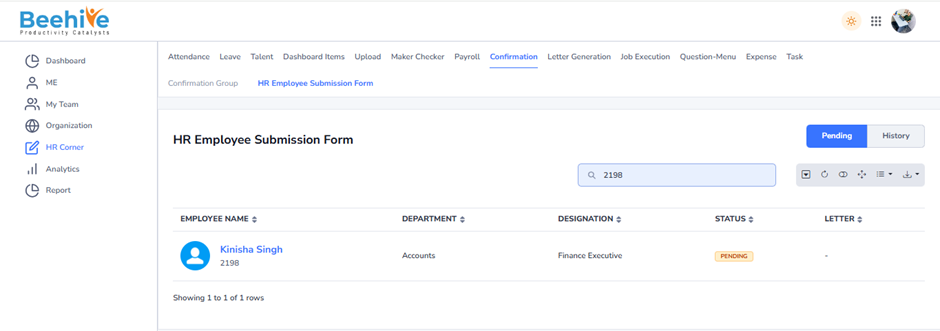
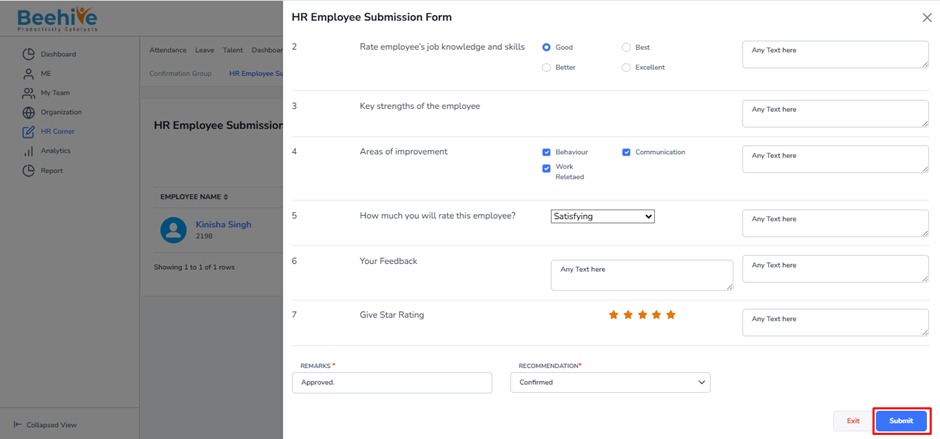
Click on Employee code on the Index list, then all the Employee Questionnaires will be visible but those will be blank and HR Could not update them in the behalf of an Employee.
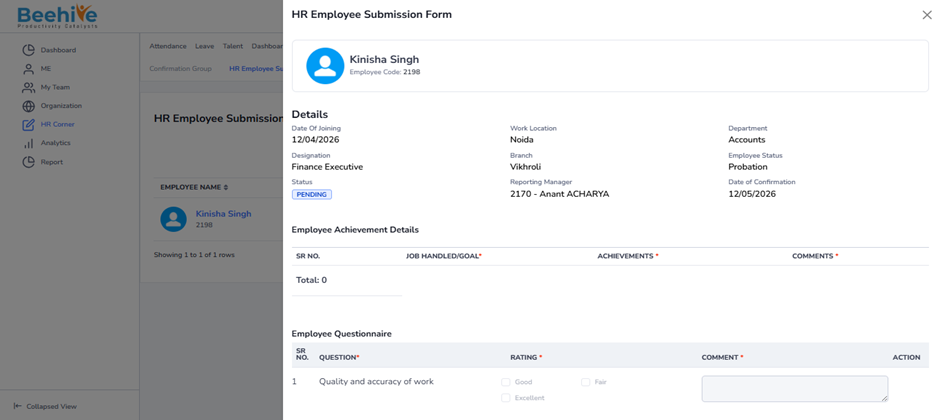
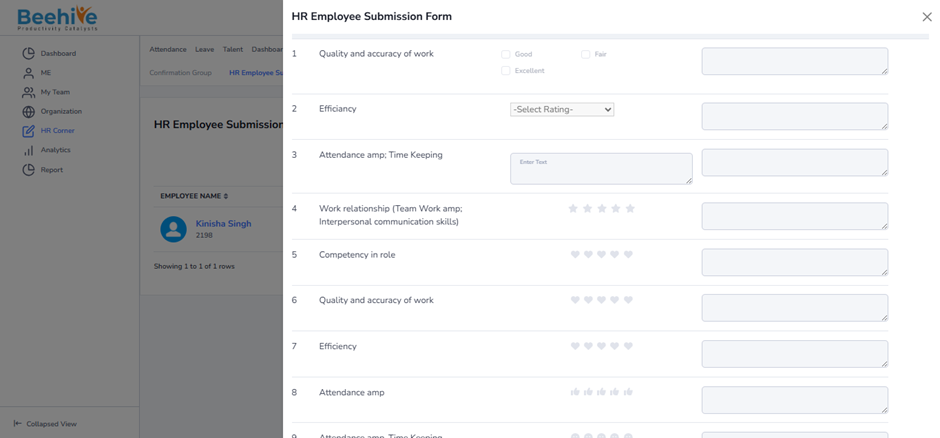
Questionnaire will be visible to an HR and HR can take any Action on the Confirmation Form like Confirm, Extend and Terminate.
HR Confirms Employee after submitting questionnaire.
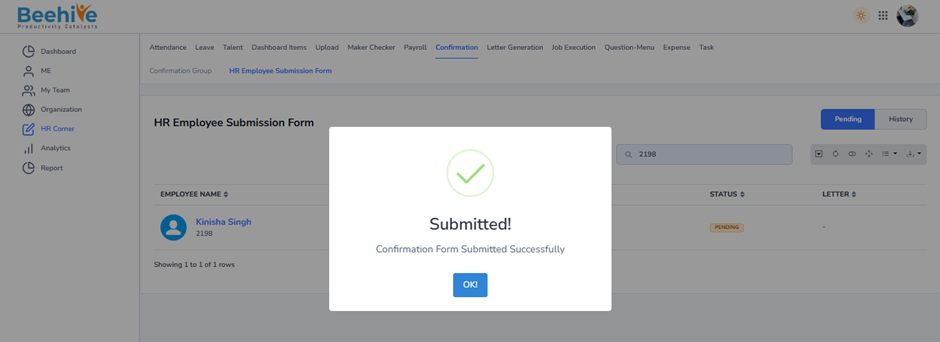
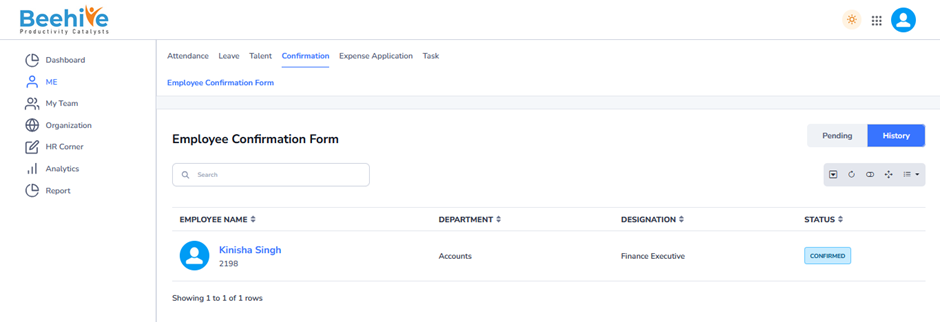
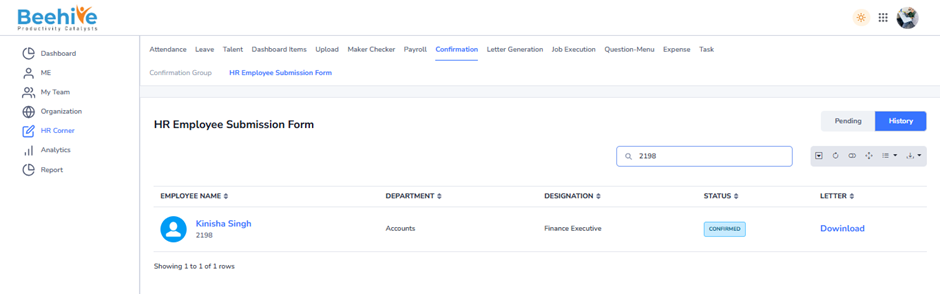
Approved/Confirmed Application will be visible in the History tab of HR and Employee, and HR Can download the Confirmation Letter from the History tab.
HR End.
Employee End.