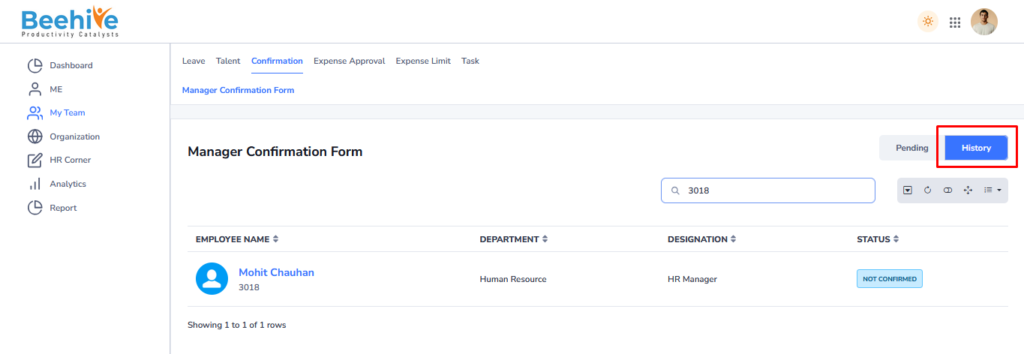
How to Terminate Employee ?
Employee Termination is the process of officially ending an employee’s association with the organization system. This process is used when an employee resigns, retires, is terminated, or leaves the organization for any reason. The termination module captures important details such as employee information, last working date, termination type, reason for separation, notice period, and remarks. It also helps manage approvals, clearance processes, final settlement, and deactivation of employee access from the system. Once the termination process is completed and approved, the employee’s status is updated as inactive or terminated in the system. This feature helps organizations maintain accurate employee records, ensure compliance, and manage employee exit processes in a structured manner.
Form opens at Reporting Managers End.
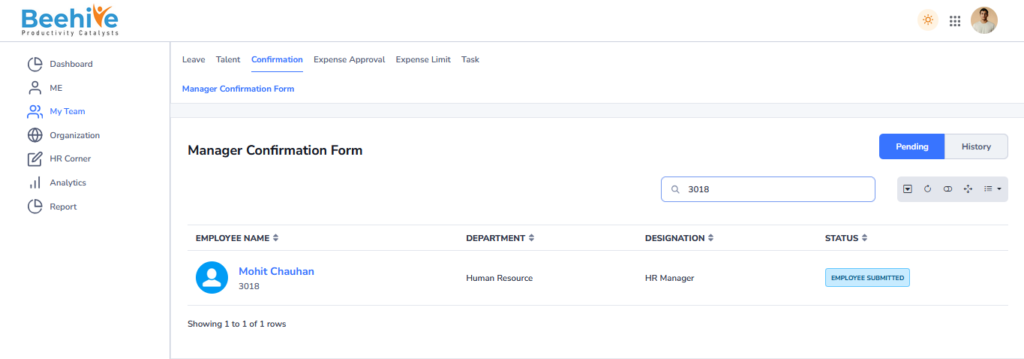
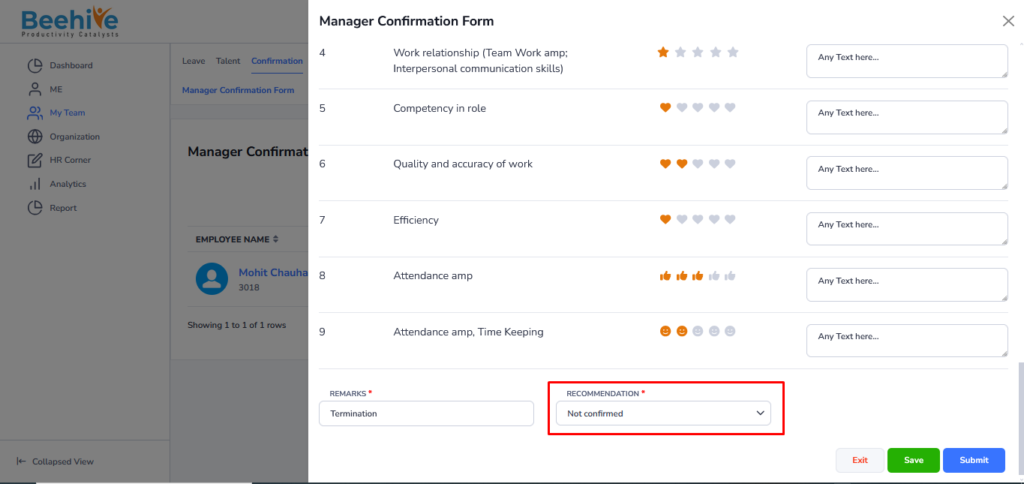
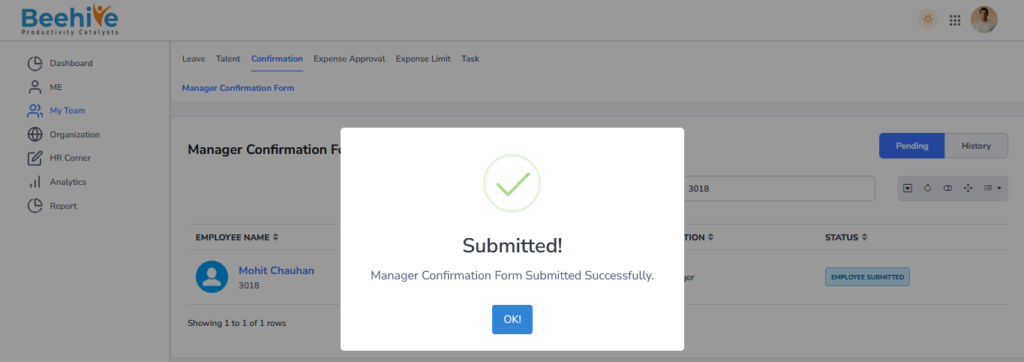
Fill in all the details in the Employee and Manager Questionnaire sections, and then click on the Submit button. The Action will be reflect on the form based on the selected status and recommendation provided by the manager. As we are Terminating an Employee then Terminate Status will be Visible against the Form.
Staus Will be Selected at “Not Confirmed”
Record will be Visible in the History Tab.