Clearance Flow – With Sequence
E-Separation Exit Clearance with Sequence Flow is a structured process used to complete employee exit formalities in a predefined order. In this process, clearance requests move sequentially from one department or approver to the next based on the configured sequence flow. Departments such as Reporting Manager, Admin, IT, HR, and Finance complete their assigned clearance activities one after another. Each level must complete and approve its clearance before the request moves to the next sequence level in the workflow. The process helps ensure proper asset return, document verification, pending task completion, and policy compliance during employee separation. Once all sequence levels are cleared successfully, the employee exit process is finalized, and the separation is completed in the system.
Configuration.
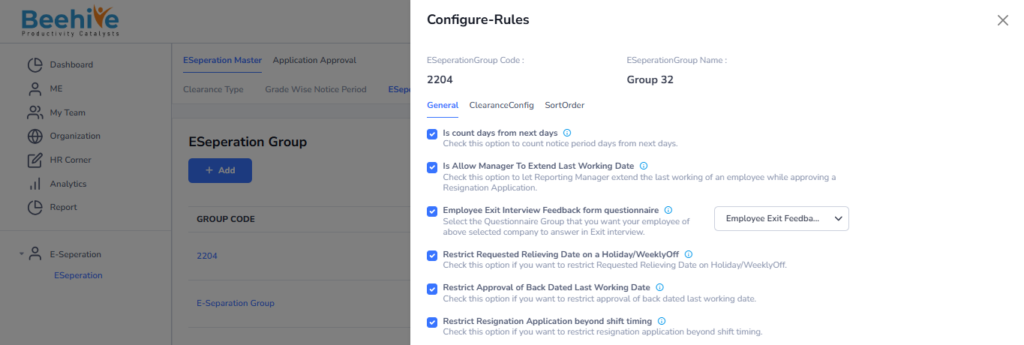
To enable the sequence-wise flow, the “Allow Sequential Approval Process” configuration must be enabled. Once this configuration is enabled, the Sort Order tab becomes clickable and accessible. If the configuration is disabled, the Sort Order tab will remain disabled in the system. This setting helps manage approval and clearance activities in a predefined sequential order.
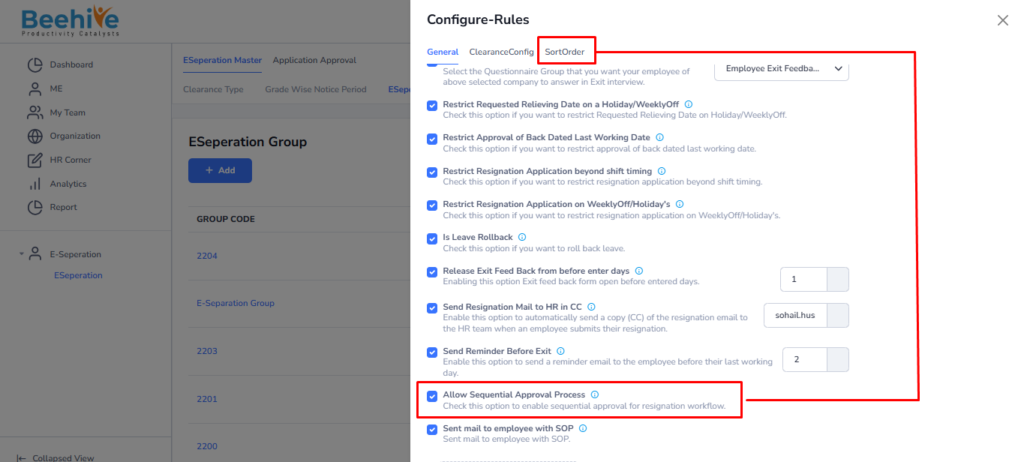
First, configure the Clearance Stakeholders in the Clearance Config tab. Once the stakeholders are configured, the related data will become visible in the Sort Order tab. Users can then define and manage the approval or clearance sequence accordingly. This setup ensures that the sequence flow is properly configured for the E-Separation process.
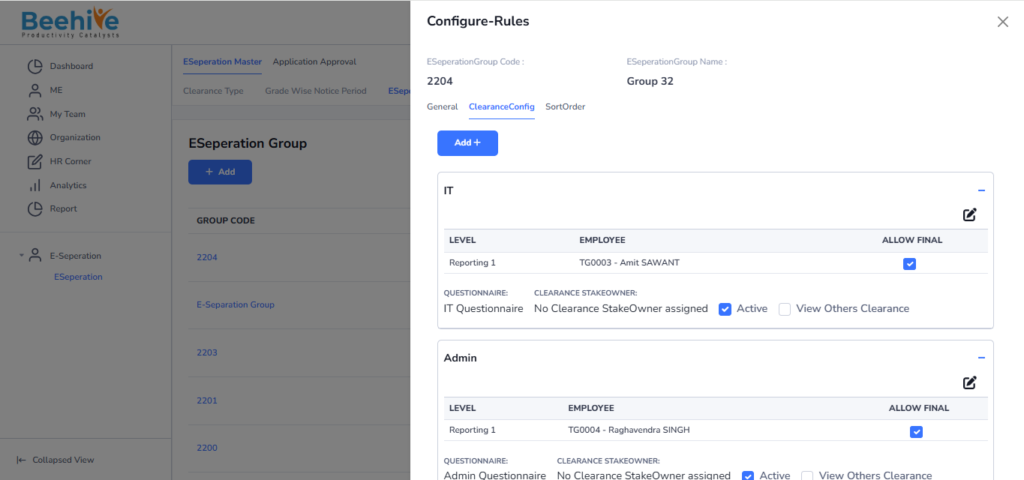
Now set the sequence in the Sort Order tab to define the clearance and approval flow. Based on the configured sequence, the clearance forms will open accordingly for each stakeholder. Email notifications will also be triggered automatically at each sequence level. This ensures a smooth and properly managed E-Separation clearance process.
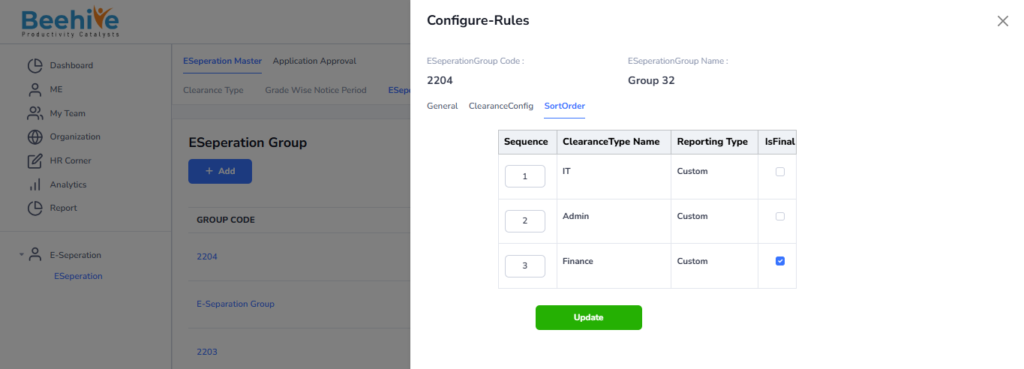
All configurations are set to process the sequence-wise clearance flow. Now, the same configuration group just needs to be mapped to the employee in the EmployeeEmploymentSpecific table.
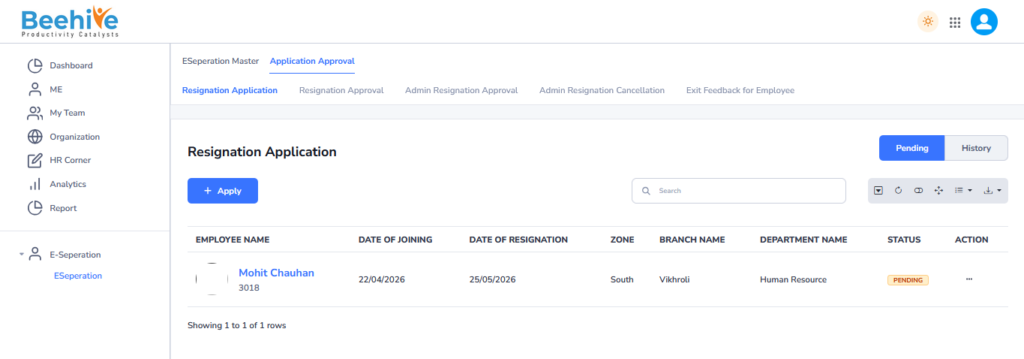
Resignation Application raised by Employee.
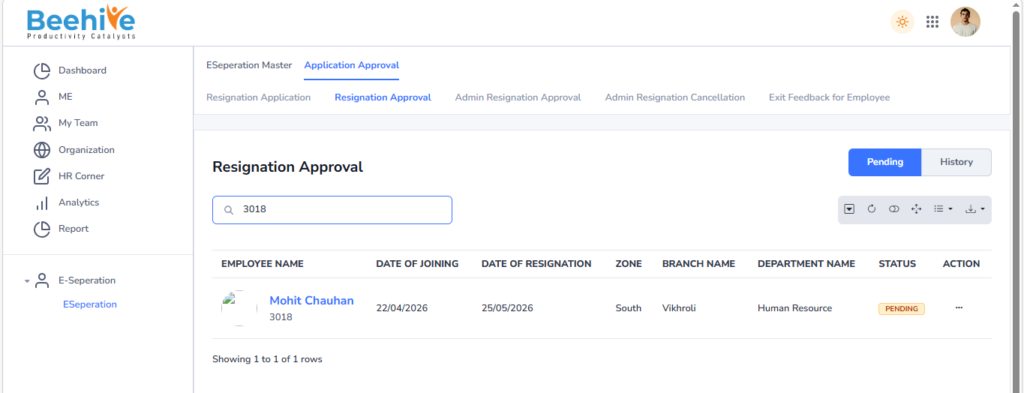
Approved By Reporting Manager.
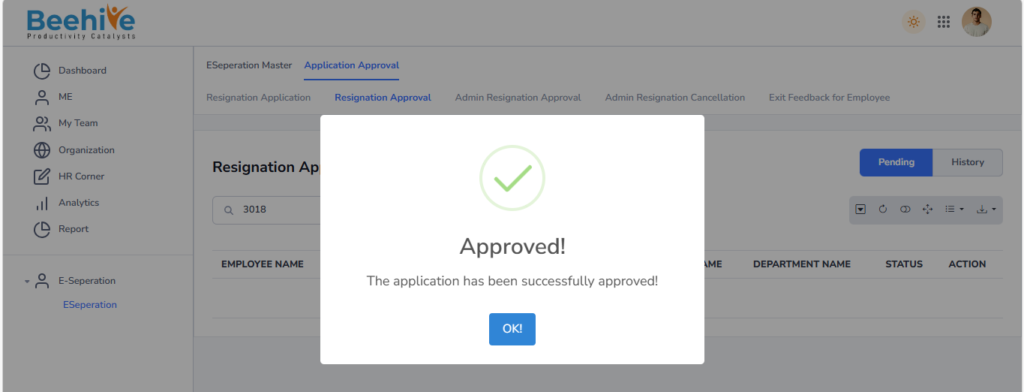
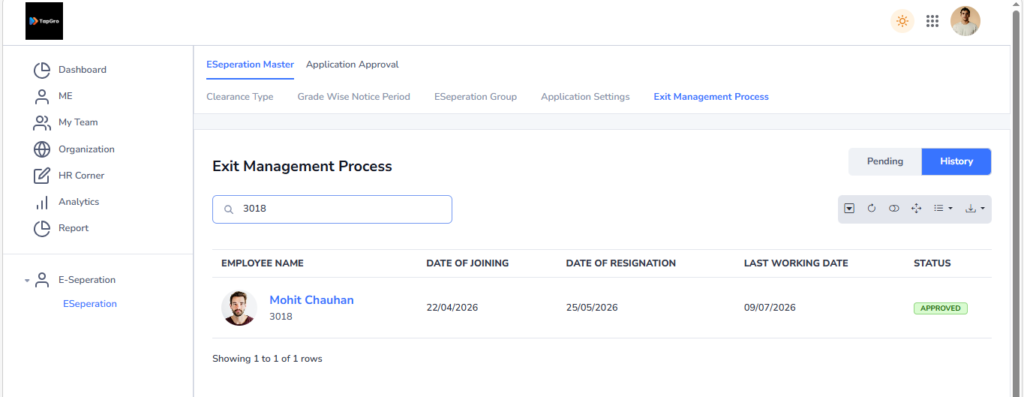
After Approval, Record will be visible in the history tab of Employee and Reporting Manager.
The Exit Clearance Form opens first for the IT Stakeholder because it is set as Sequence 1 in the configured sequence flow. The form is not visible to other stakeholders until the IT clearance process is completed, as the workflow is configured for sequence-wise clearance processing.
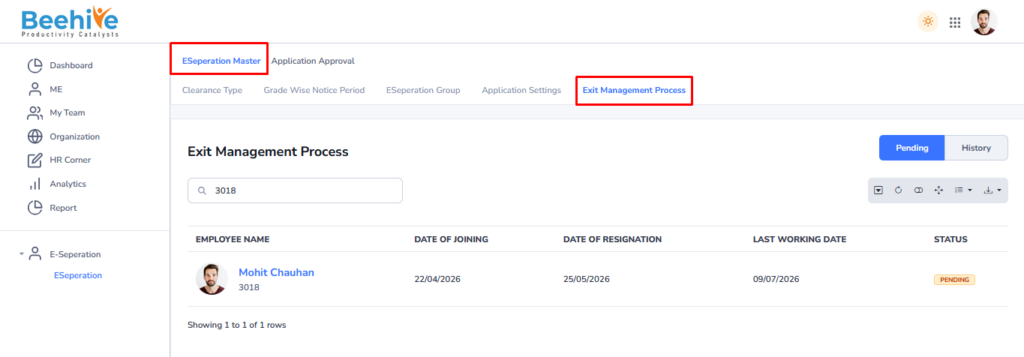
Clearance Form is Not visible to 2nd and 3rd Stakeholder at its in sequence.
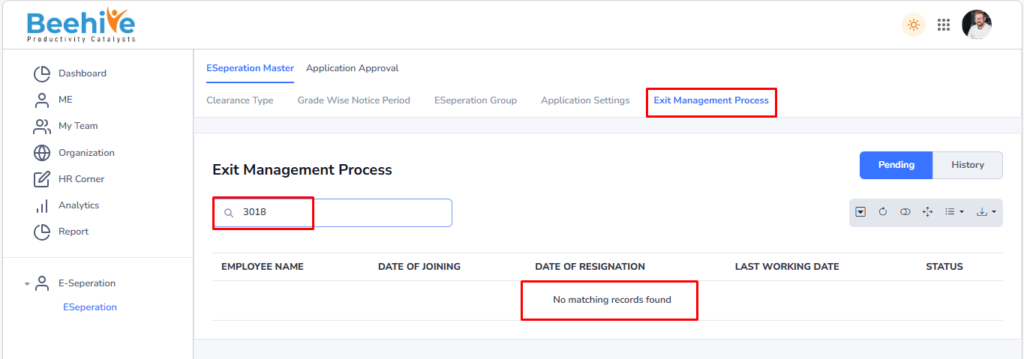
And also, not visible to 3rd Stakeholder.
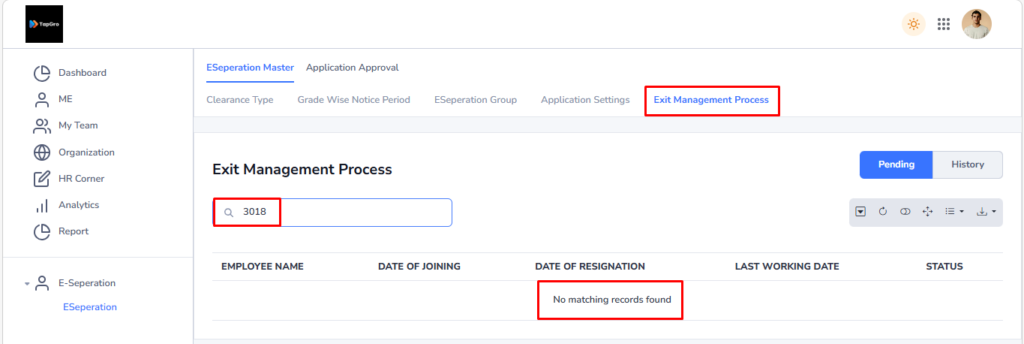
Form will be visible to 2nd Stakeholder as IT Clearance Done (1st Stakeholder)
IT Clearance Done.
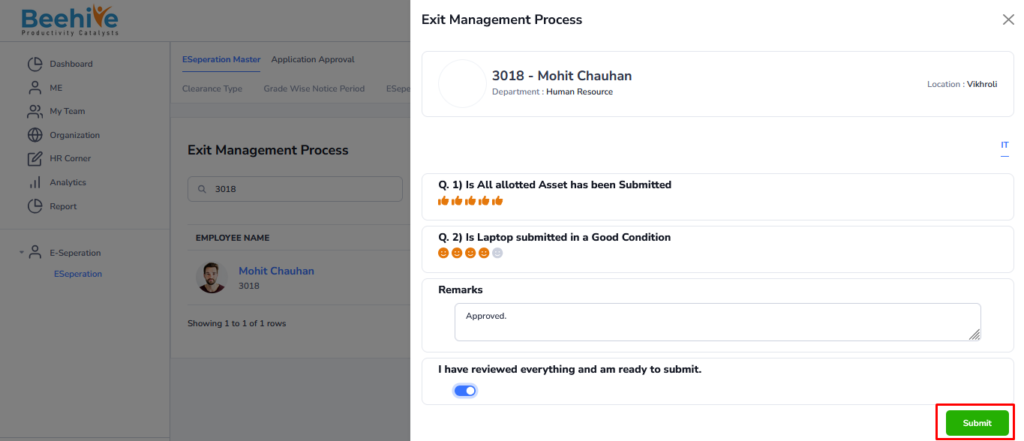
After Approval data will be visible in the History tab.
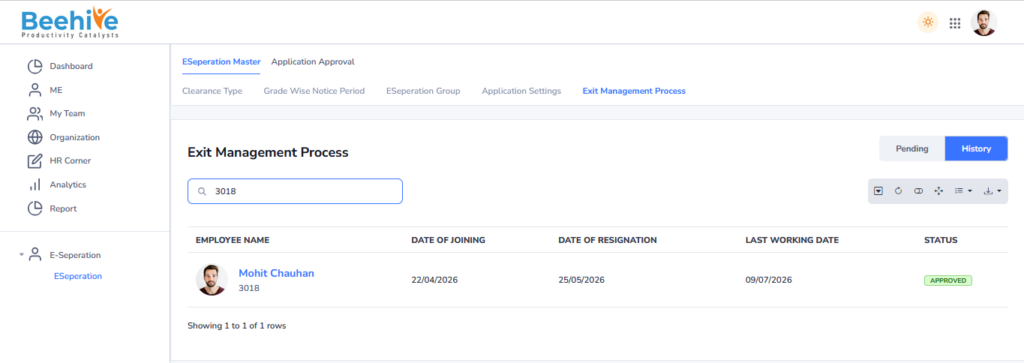
And then Form will be visble to 2nd Stakeholder and Not to 3rd Stakeholder as its working sequence wise.
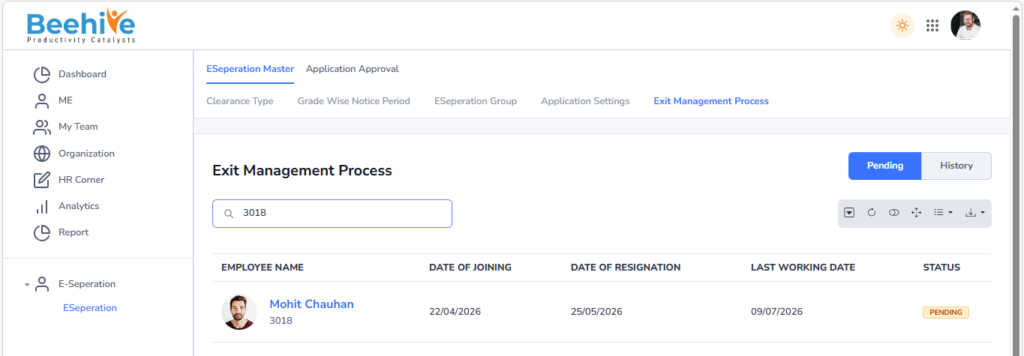
Data not visible to 3rd Stakeholder.
After Clearance done from 2nd Stakeholder data will be visible in the history tab.
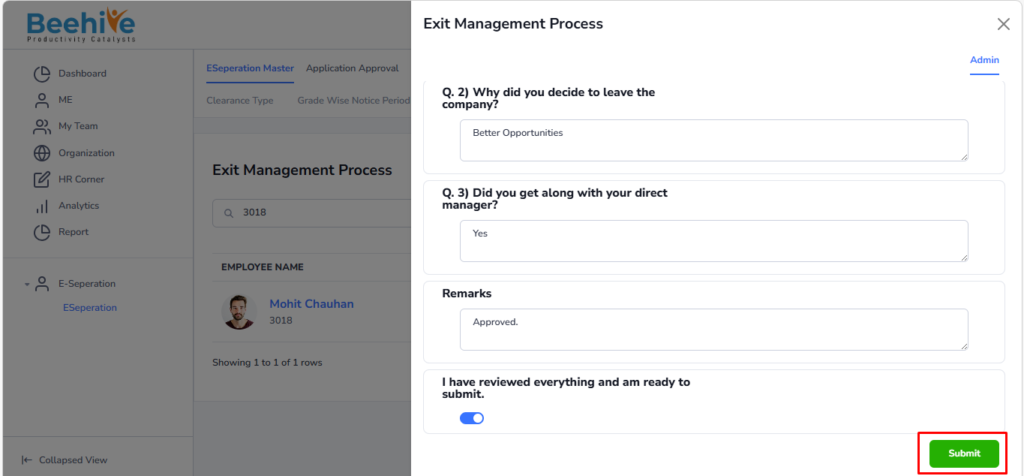
History Tab.
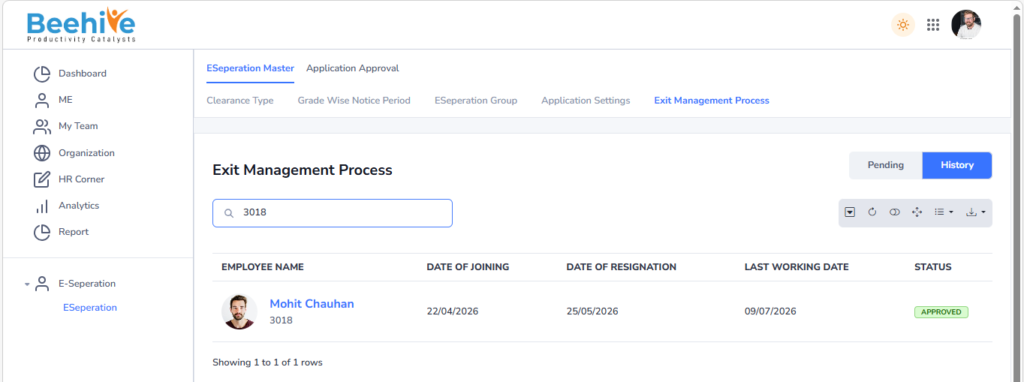
Now form will be visible to 3rd Stakeholder as Approved from 2nd Stakeholder.
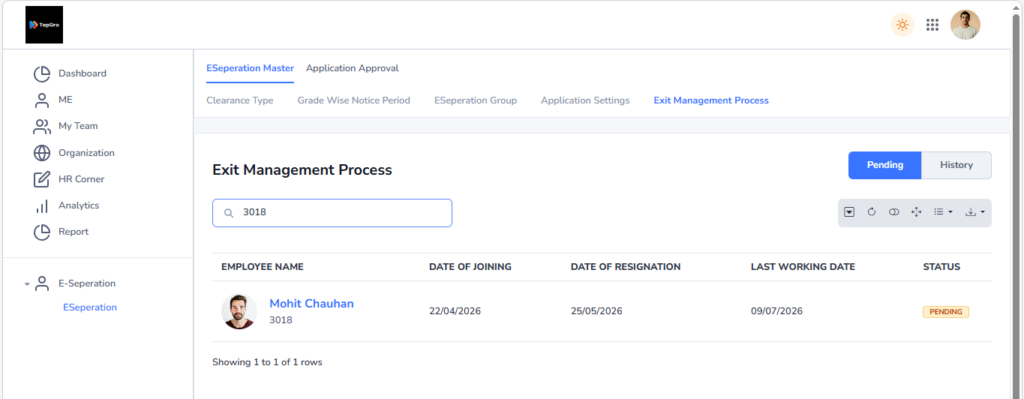
After Clearance done from Stakeholder data will be visible in the history tab.
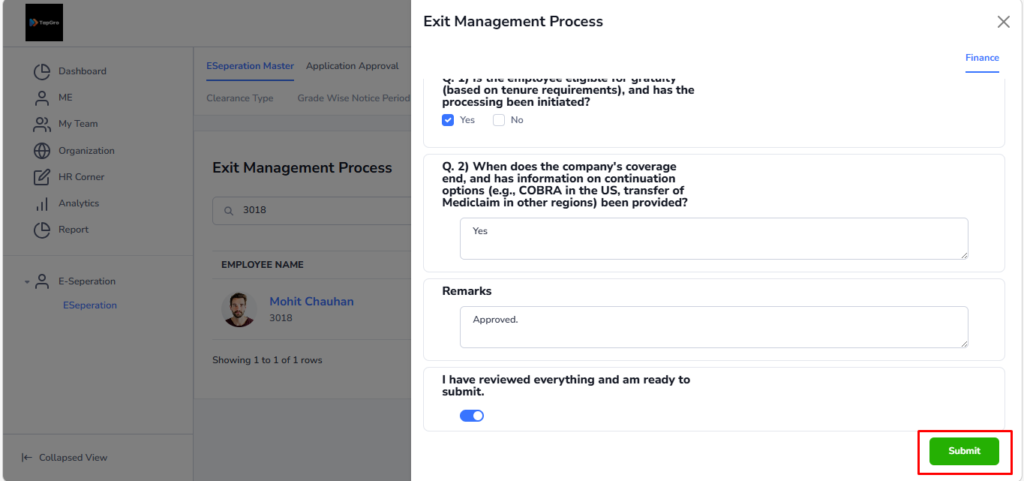
History Tab.