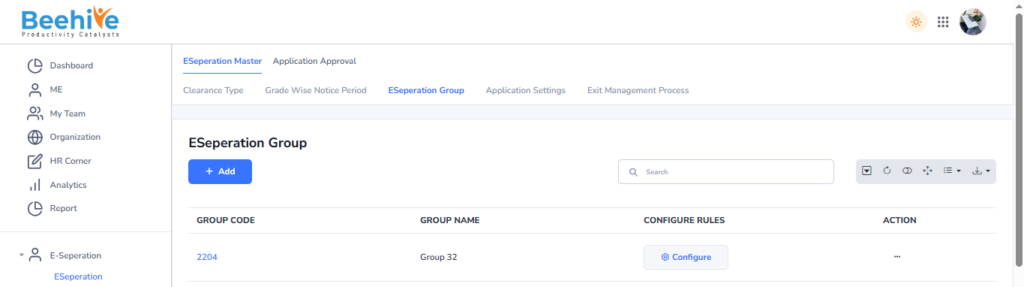
E-Separation Group Setup
E-Separation Group is a configuration feature used to manage and organize the employee separation or exit process within the system. It helps define different separation workflows, approval structures, and process rules based on organizational requirements. Employees can be assigned to specific E-Separation Groups depending on department, designation, company, or location. The group configuration determines the approval flow, clearance process, notification settings, and responsible authorities involved during employee resignation or termination. This feature helps ensure that all exit formalities, approvals, and settlements are completed in a structured and standardized manner. E-Separation Group improves process efficiency, maintains compliance, and helps organizations manage employee exits smoothly and accurately.
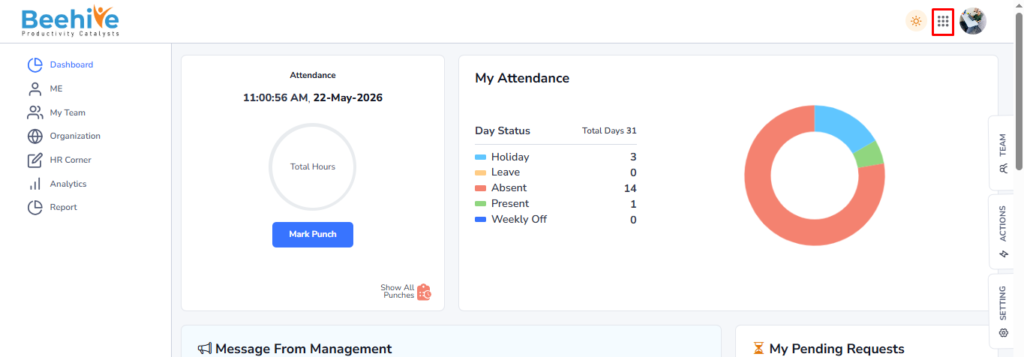
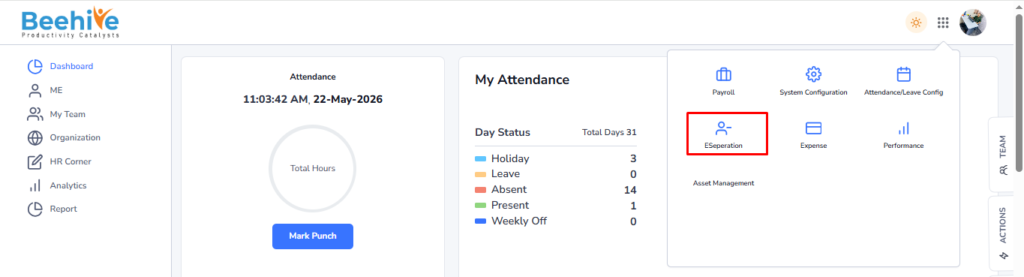
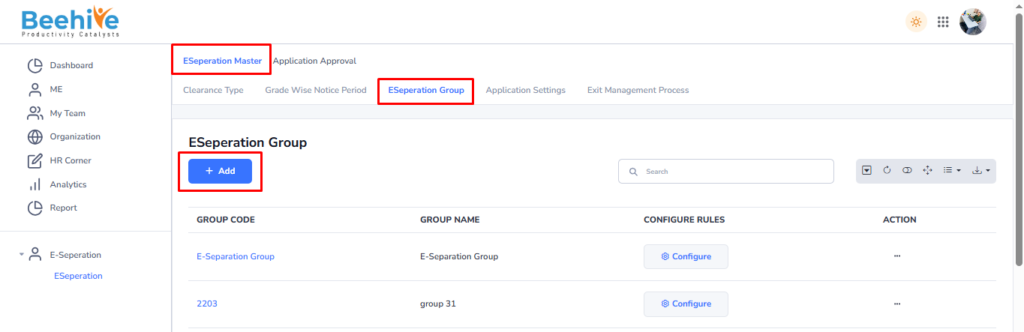
Path to Create E-Separation Group – Click on Nine dot –> Click on E-Separation Module –> Click on E-Separation Group –> Click on E-Separation Master –> Click on Add Button –> Fill the details –> Click on Save Button.
Click on None dots.
Click on E-Separation.
Click on E-Separation Group and then click on Add Button.
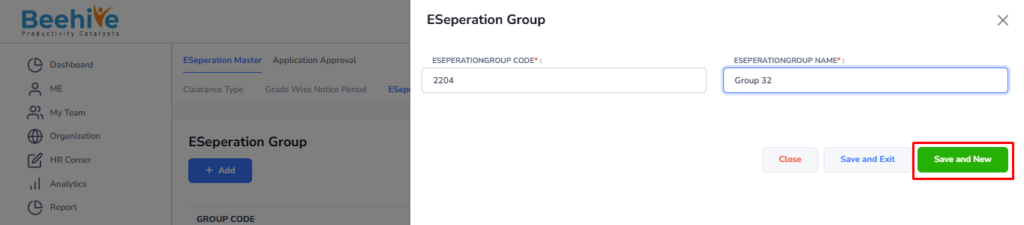
Fill the Deatils of E-Separation group Name and Code.
Created group is visible on the Index page of the master page of E-Separation Group.