
PT State Configuration
PT State Configuration is used to set up and manage Professional Tax (PT) rules for a particular state.
Navigation:- Payroll–> Configuration–> PT State Configuration
You can configure PT either:
- Location-wise (for specific locations), or
- Branch-wise (for specific branches).
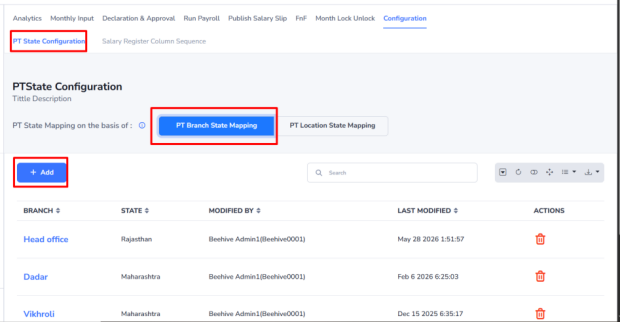
To add a new PT configuration:
- Click Add.
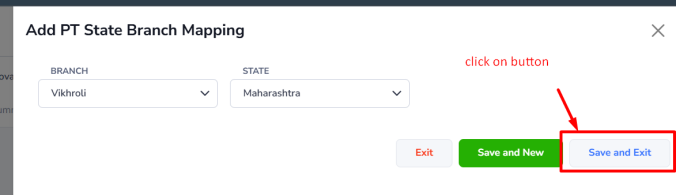
- Select the required Location or Branch.
- Enter the Professional Tax details.
- Click Save to store the configuration.
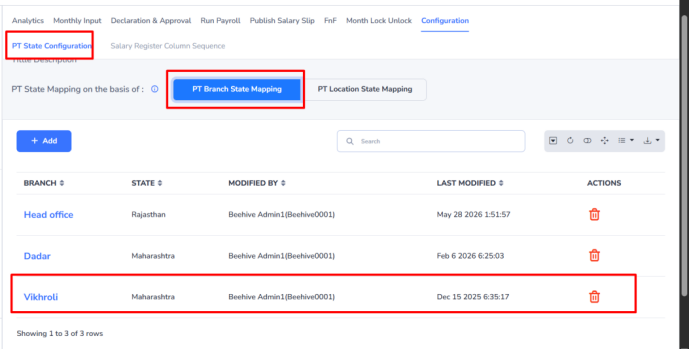
This configuration ensures that the correct Professional Tax rules are applied to employees based on the selected location or branch.