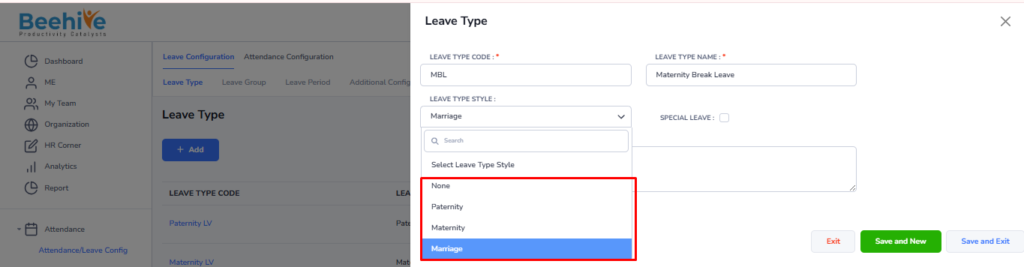
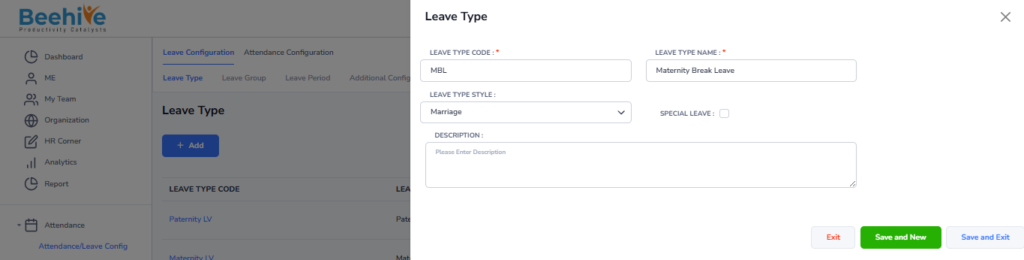
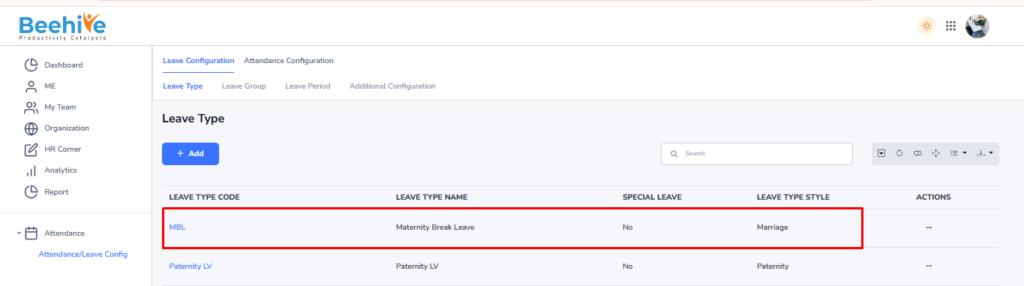
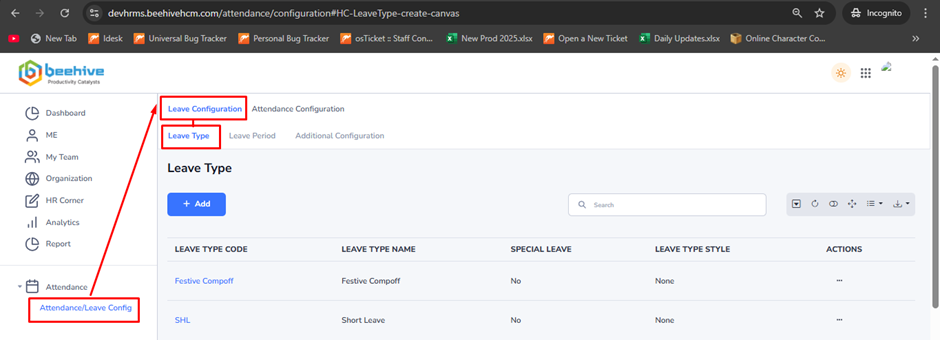
Leave Type
When setting up a leave request in the HRMS, it’s important to choose the correct Leave Type. Here’s how to select the right option –
– Maternity / Paternity / Marriage Leave – Select the specific leave type if the request falls under one of these categories.
– None – Choose this option if the leave doesn’t match any predefined types. This is used for general leave not requiring special handling.
– Special Leave – Use this option if the leave requires special processing or handling by HR (e.g., bereavement, jury duty, etc.). This ensures it’s tracked and managed appropriately.
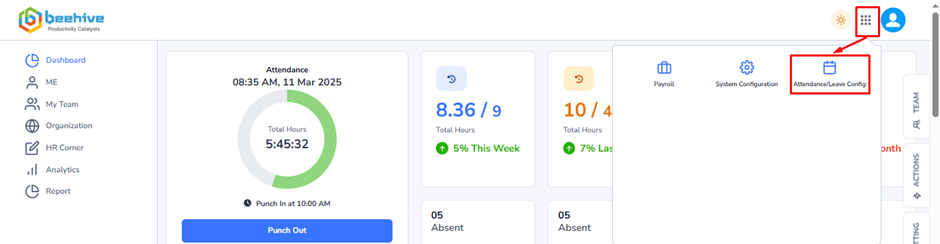
After selecting Leave Type Style as “Maternity”, only Female employee can raise Maternity leave application
Note – Only 2 applications are allowed as per government rule.
– Maternity leave is applicable for both all marital status (Married, Unmarried)
After selecting Leave Type Style as “Paternity”, only Male employee can raise Paternity leave application
Note – Only 2 applications are allowed as per government rule.
– Maternity leave is applicable for Married marital status.
Selecting the correct leave type helps keep records accurate and ensures proper leave processing.