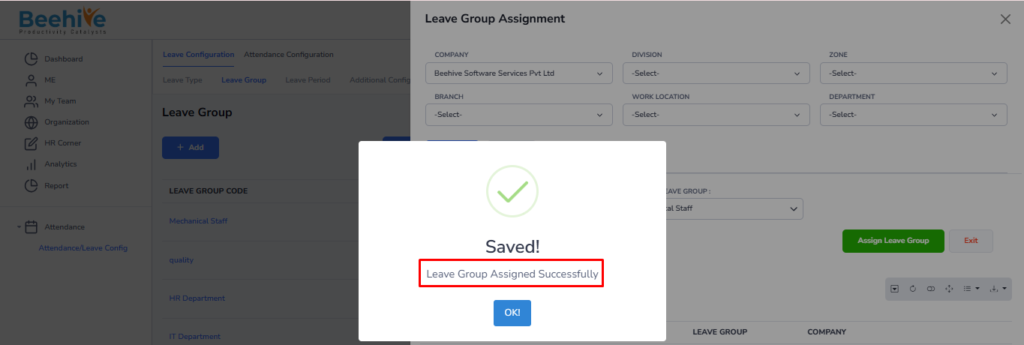
Assign Leave Group
After creating a Leave Group, the same Leave Group can be assigned to employees so that all configured leave policies and leave types are automatically applicable to the selected employees.
You can assign a leave group using the Org Filter. Click the Search button – only employees linked to the company selected in the Org Filter will be displayed. Select the desired employee and choose the appropriate leave group. Once selected, click the Assign Leave Group button. The selected leave group will then be assigned to the chosen employee.
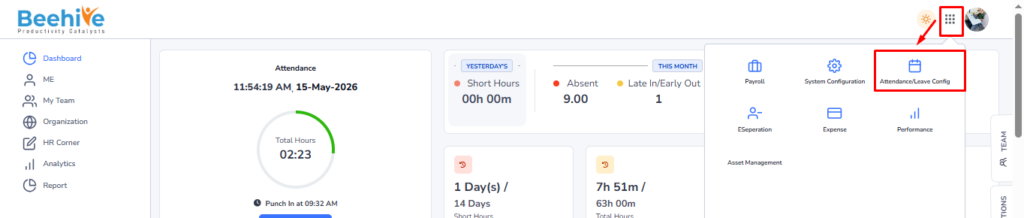
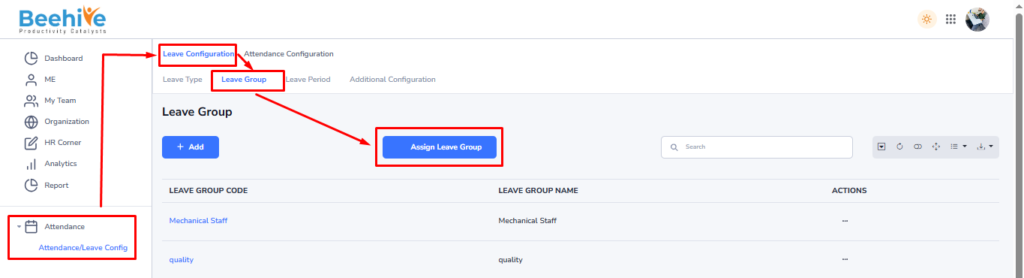
After selecting Company, click on Search button
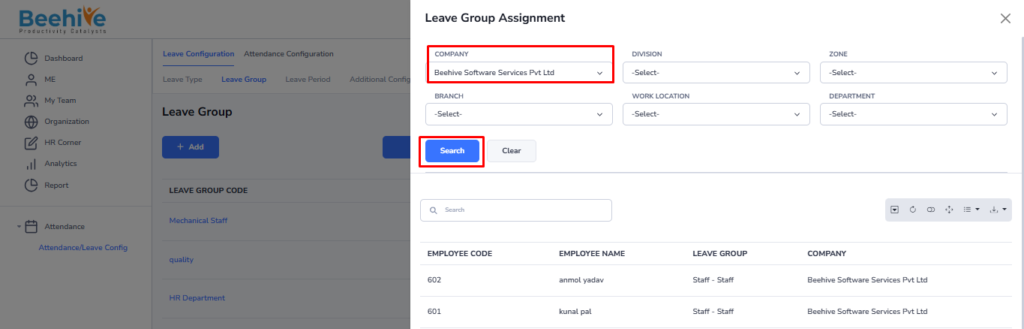
List of Employee and Leave group will be displayed for Assigning
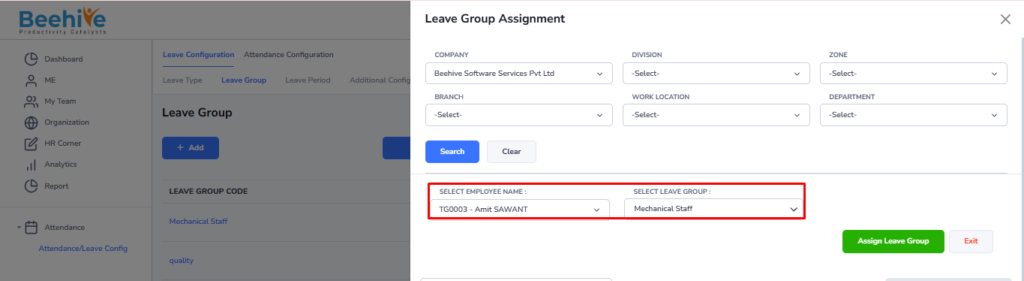
Click on Assign Leave Group button