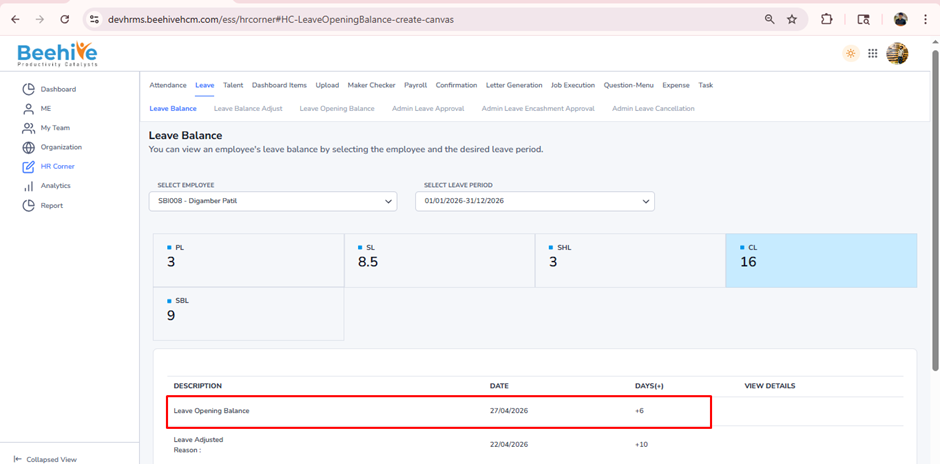
Leave Opening Balance
Leave Opening Balance is the number of leaves assigned to an employee at the start of a specific period, such as the beginning of the year or when the employee joins the company. This balance acts as the starting point from which leaves are used, adjusted, or carried forward during the period.
Prerequisites to add Leave Opening Balance –
1. Leave Group must be assigned to Employee
2. Leave Type must be configured for Assigned leave Group
3. Leave Period must be Active.
Steps to follow –
After Logging in, click on HR Corner Menu
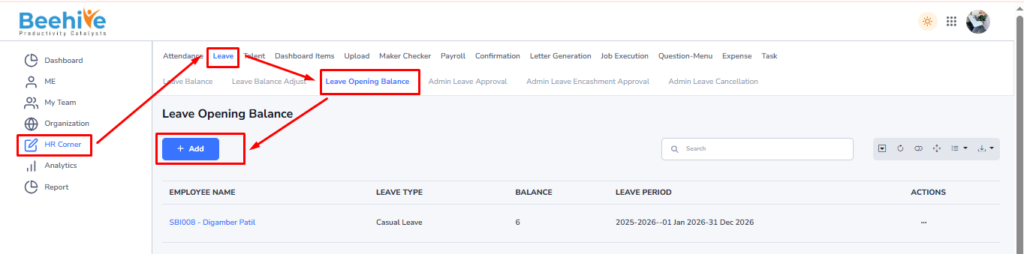
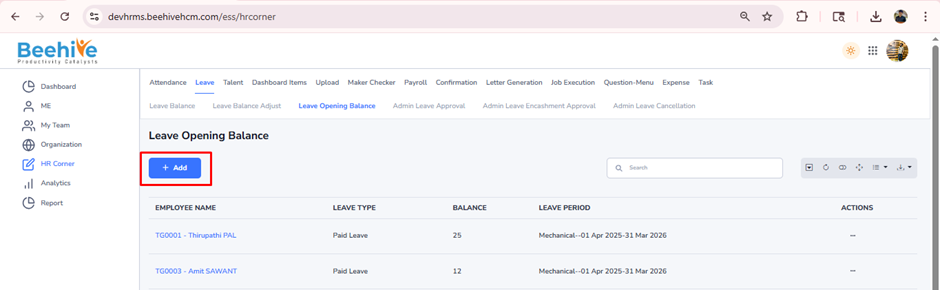
After getting redirected to Leave Opening Balance page, click on Add button.
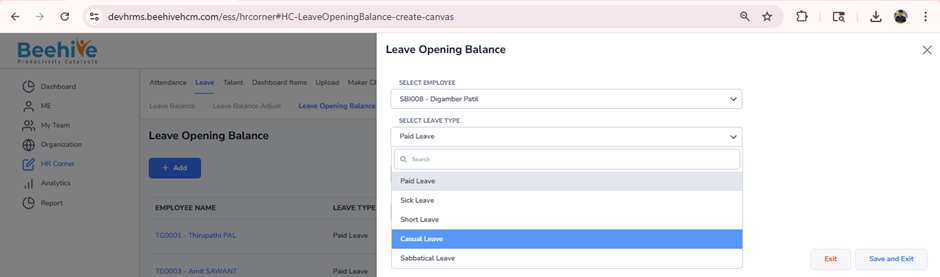
Select Employee from the Employee dropdown list.
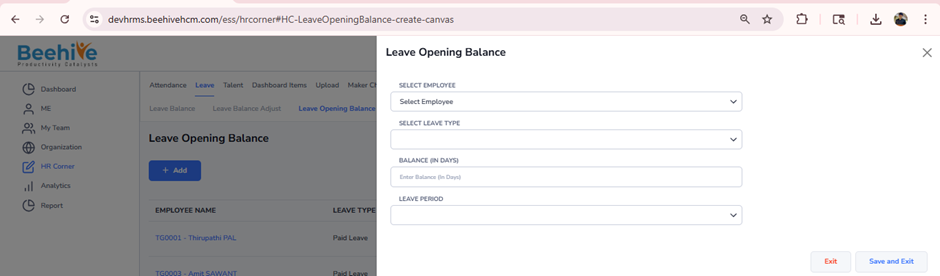
Here you can select leave type to adjust balance.
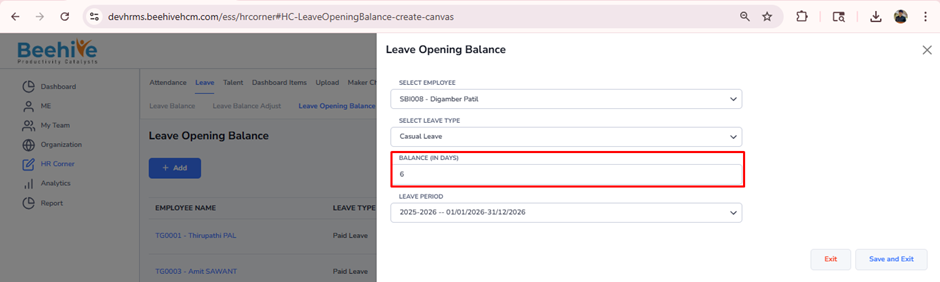
Enter the Balance to provide in the Leave Opening Balance for selected Employee.
Note – Active Leave Period for assigned leave group will be fetched automatically.
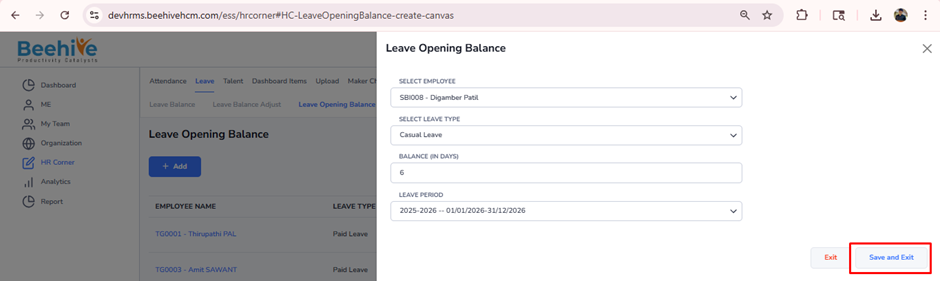
Click on Save & Exit Button.
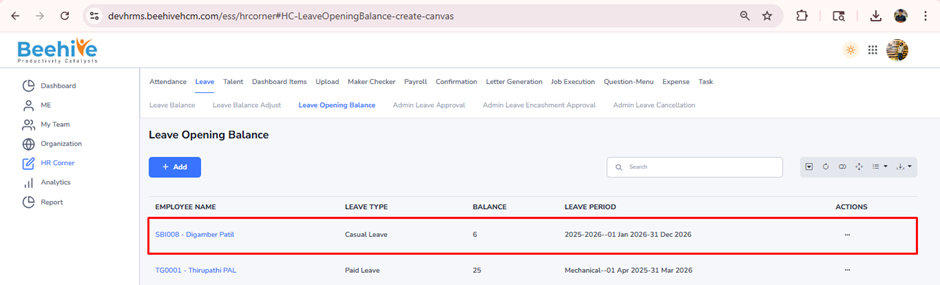
You can check the added leave Opening balance in Employee Leave Balance from Leave Balance Menu
Note – Leave carried forward balance will also be displayed automatically in the Leave Opening Balance section by default.