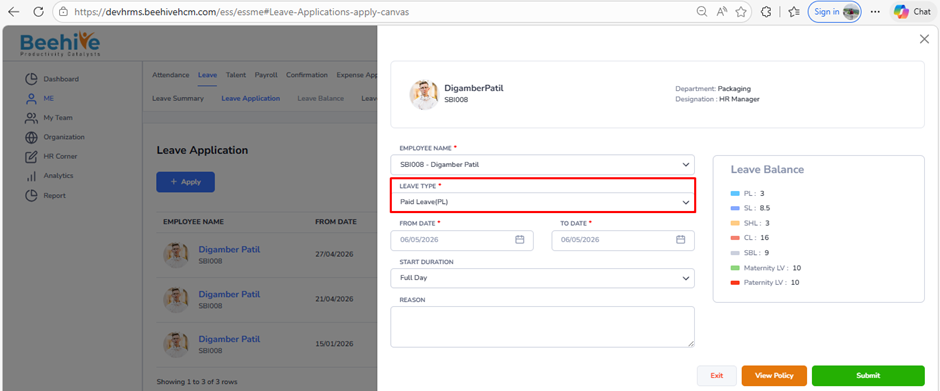
What is the impact of enabling “Check Balance of Another Leave Type”?
Prerequisites –
1. Leave Group must be assigned to Employee
2. Leave Type must be configured for Assigned leave Group
3. Leave Period must be Active.
This option allows the system to check the balance of another leave type before approving the selected leave.
Example:
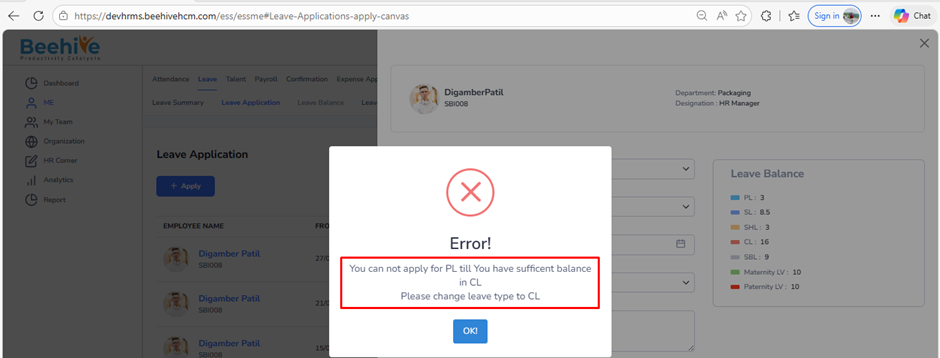
If you apply for SPL (Special Leave) and this setting is enabled to check PL (Privilege Leave) balance, the system will first check your PL balance. If you already have enough PL, the system will not allow SPL and will show a message asking you to apply for PL instead.
Navigation –
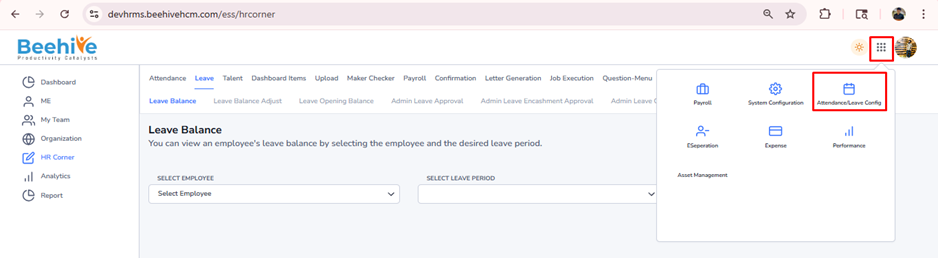
Login -> Module Box -> Attendance/Leave Config ->Leave Configuration -> Select Leave Period ->Configure -> Select Leave Type -> Restriction -> Leave Balance & Allowances
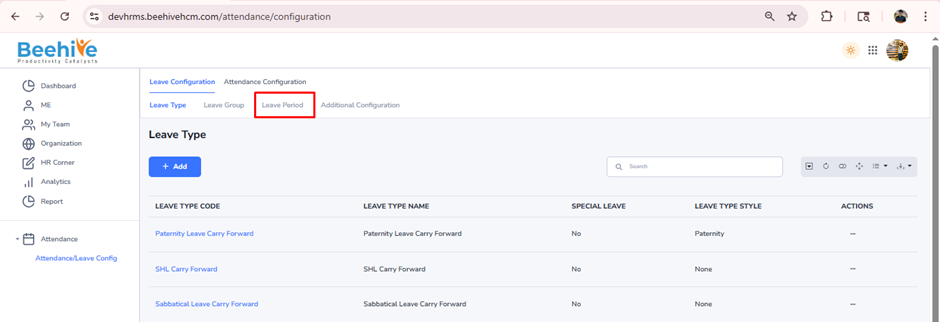
Click on Configure button for current active Leave Group Period
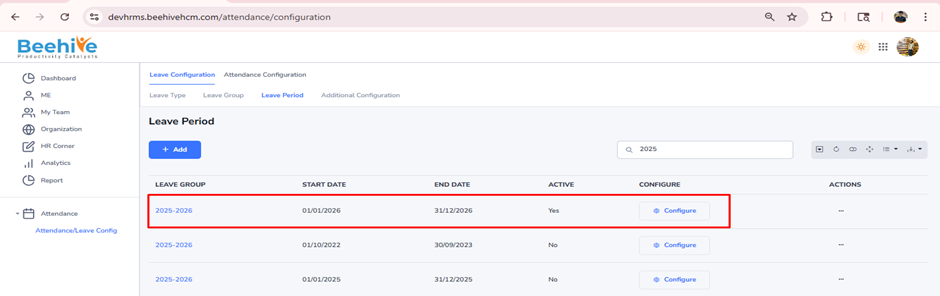
Select Leave Type from Configuration page & go to Restriction tab.
Enable “Check balance of Another Leave Type” configuration
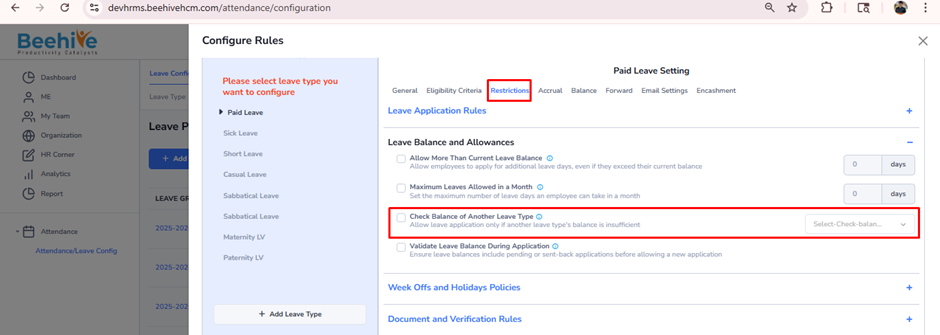
Select Leave Type from dropdown and click on Save button.
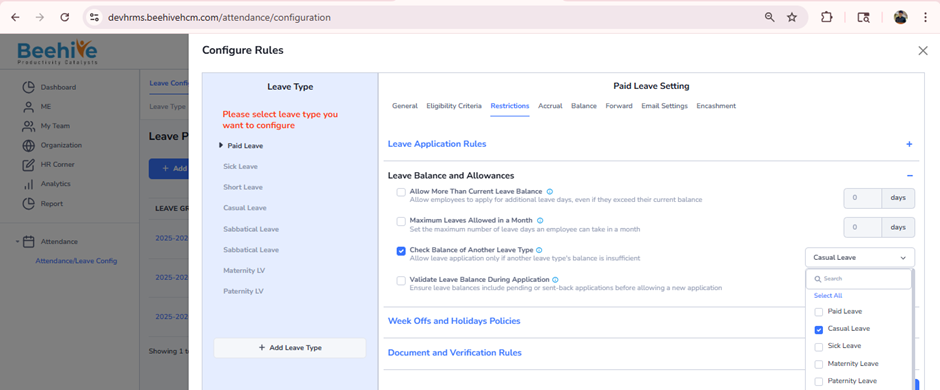
When an Employee raise for Paid Leave Application, then system shows restriction